|
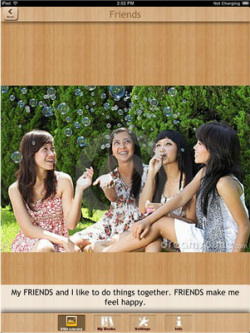
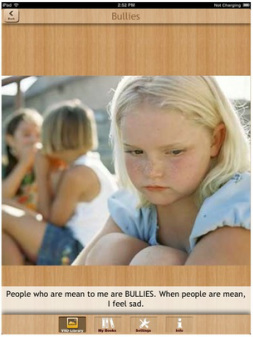
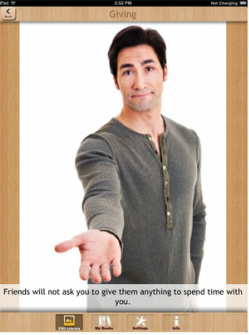
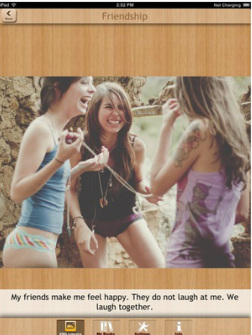
Discussing Levels of Friendship and Bullying: Scene Speak can be used to create social stories and other exercises that address the issue of bullying. This is an important issue for many of our younger individuals (and adults too, in some situations). The concept of "levels of friendship" is hard for many individuals to understand. Sometimes the most damaging bullying occurs in less obvious scenarios. Teaching these individuals how to advocate for themselves, when to report a situation to adults/higher authorities, and the difference between "acquaintance," "friend," and "toxic person" can help protect the individual from emotional and/or physical harm in the future.
1 Comment
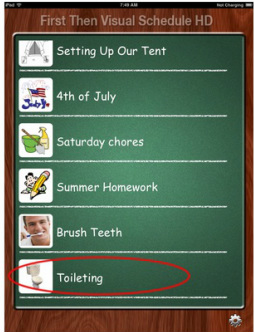
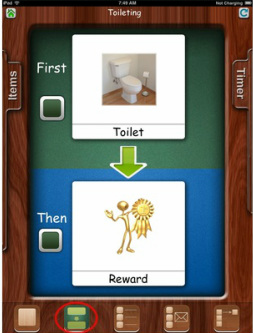
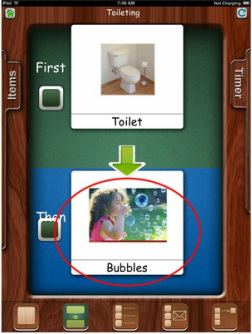
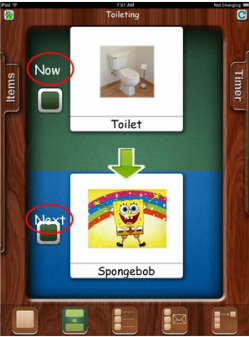
Potty Training/Prompting Tip: Make toilet training/toilet reminders fun by using our First Then Visual Schedule app as a reinforcement tool. Take a picture of a toilet or other symbol and another of a highly preferred object (food, fidget, activity, etc.) Use the split screen mode to display them, and turn the labels on in the Settings menu (remember, these label names can be customized in FTVS HD). This will show the user that they must first use the toilet before they can have/do the preferred photo, working toward future toileting independence! Since it's fully portable, you can take it with you on public outings and long trips, making generalization to public toileting facilities much easier.
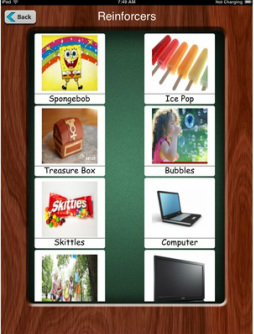 Add a choice board to the reward/reinforcement step with a variety of preferred/highly motivating choices.
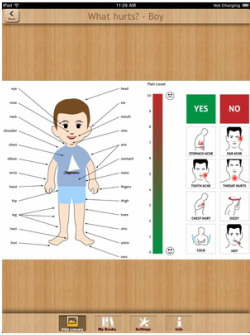
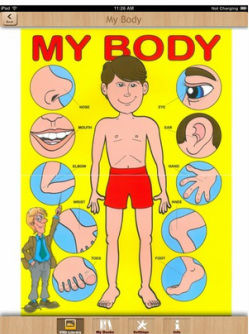
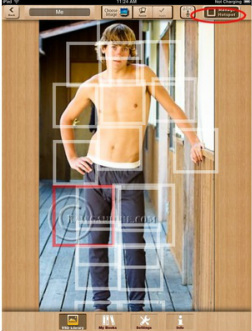
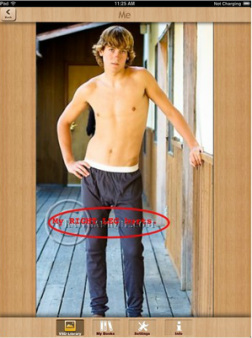
Taking your loved one to the doctor can be especially difficult when he/she is unable to let the doctor know how they are feeling. Scene Speak can be an excellent tool to use in order to afford your loved one the ability to express what is happening within their body, and to let the doctor know "where it hurts." There are a couple of ways that you can accomplish this. The first would be to use one of the preloaded templates within the app itself to create hotspots that label individual body parts. You can also add a picture of your own as its own VSD, and label your loved one's actual body parts to make it even more personalized for them (this works especially well when you're working with someone who may have a hard time generalizing). Scene Speak is one of many ways that Good Karma Apps has available to help you give your loved one back their voice. =) 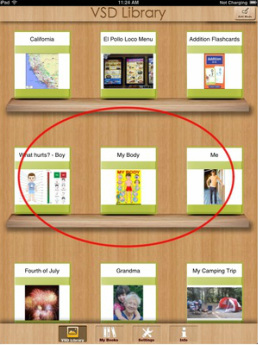
Use one or many VSDs in order to create a visual for body parts identification/pain reporting.
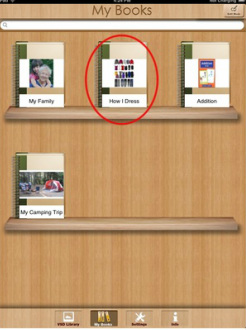
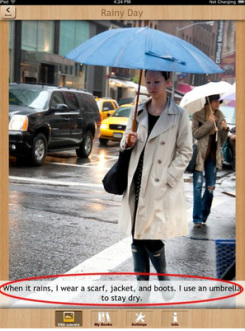
Teaching Appropriate Dress For Weather: There are many reasons an individual may not be able to dress themselves appropriately for the weather. Sensory aversion to certain fabrics, lack of body awareness, etc. can all contribute to an individual's inability to properly dress according to the weather outside. Here are a few suggestions that may help - while also teaching the individual how to dress comfortably for hot, cold, and/or inclement weather. Scene Speak can be used to create social stories about different types of weather. Hotspots can be added with text or speech that further enhance the story. Read along text can also be added to each VSD in order to make the story even more dynamic.
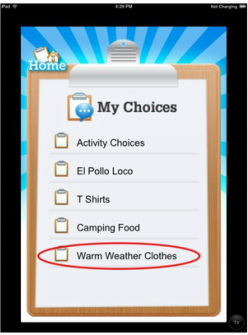
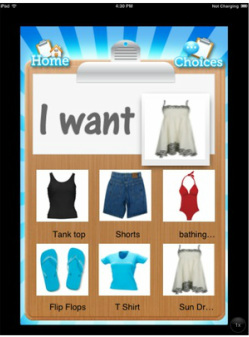
Our My Choice Board app can be used to quickly get images and display them efficiently for the app user to choose their own initial outfit.
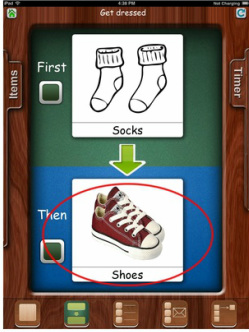
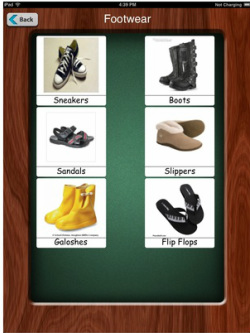
For those individuals who already use First Then Visual Schedule (HD) for dressing schedules, adding in a choice board - for example, "Put on shirt" could flip to a field of several choices, long and short sleeved...or "Put on pants" could flip to a choice board containing both shorts and long pants - can afford the individual the opportunity to learn how to gauge what should be worn according to the weather outside. Further prompting can be used to promote the environmental awareness necessary to gauge for themselves what articles of clothing should be worn in different types of weather.
We strive to provide apps that are as multi-dimensional as our hopes and dreams for our loved ones. =) |
Good Karma Apps"We create ecxeptional mobile technology to empower individuals leading exceptional lives." Archives
May 2020
|

 RSS Feed
Our Apps |
Contact UsQuestions or Issues? - Uservoice Tutorials
|
About Us
|